If you edit videos in Hindi, Urdu, Punjabi, Bengali, or any other desi language, you’ve probably tried to copy that bold, punchy MrBeast caption style - big words popping on screen, one or two at a time, keywords in a different colour. It looks great in English. Then you switch the language, and everything falls apart: the letters join wrong, the Urdu reads left-to-right, or the words get chopped in the middle.
Here’s the short version: most caption tools were built for English first, so they don’t understand how desi scripts actually work. To get clean MrBeast-style captions in Hindi or Urdu, you need a tool that reads the language properly, not one that bolts your language onto an English template. This post walks through how to do it, and why it usually goes wrong.
What actually makes a caption “MrBeast style”?
It’s not just the font. The MrBeast look is a few simple choices working together:
-
Big, bold text, usually 2 to 3 words on screen at a time, never a full sentence.
-
A thick dark outline (around 5–6px) so the words stay readable over any background.
-
A pop-in animation, words spring up slightly as they appear.
-
Coloured keywords, the important word (a number, a name, a “FREE”) gets a different colour like yellow or red.
That’s the whole recipe. It works because your eye has almost nothing to read and everything to grab onto. The problem isn’t the recipe, it’s getting it to hold together in a non-English script.
Why MrBeast captions break in Hindi and Urdu
Three things go wrong with most tools:
1. The script gets mangled. Urdu and Arabic are written right-to-left, and the letters change shape depending on where they sit in a word. A tool built for English often renders these letters disconnected or backwards. You end up with text that a native speaker can’t even read.
2. The words get chopped. Hindi and other Indic scripts stack marks above and below letters (the matras). Cheap auto-captioning cuts words at the wrong point, so half a word shows on one screen and half on the next.
3. The transcription is just wrong. This is the big one. Most tools run your audio through a model trained mostly on English and European languages. Feed it Urdu or Punjabi, and it guesses. You spend more time fixing the text than you saved by automating it.
So the fancy animation is the easy part. The hard part, the part almost no Western tool gets right, is reading your language correctly in the first place.
The step-by-step: MrBeast captions in a desi language
Here’s the workflow that actually works, using a tool built for these languages (Kalakar is made specifically for desi creators, so we’ll use it as the example):
-
Upload your video and pick the language you’re actually speaking, Hindi, Urdu, Punjabi, Bengali, Tamil, whatever it is. Choosing the right language up front is what fixes 90% of accuracy problems.
-
Let it transcribe. A tool trained on desi languages will get the words right the first time, including mixed Hindi-English or Urdu-English speech, which is how most of us actually talk.
-
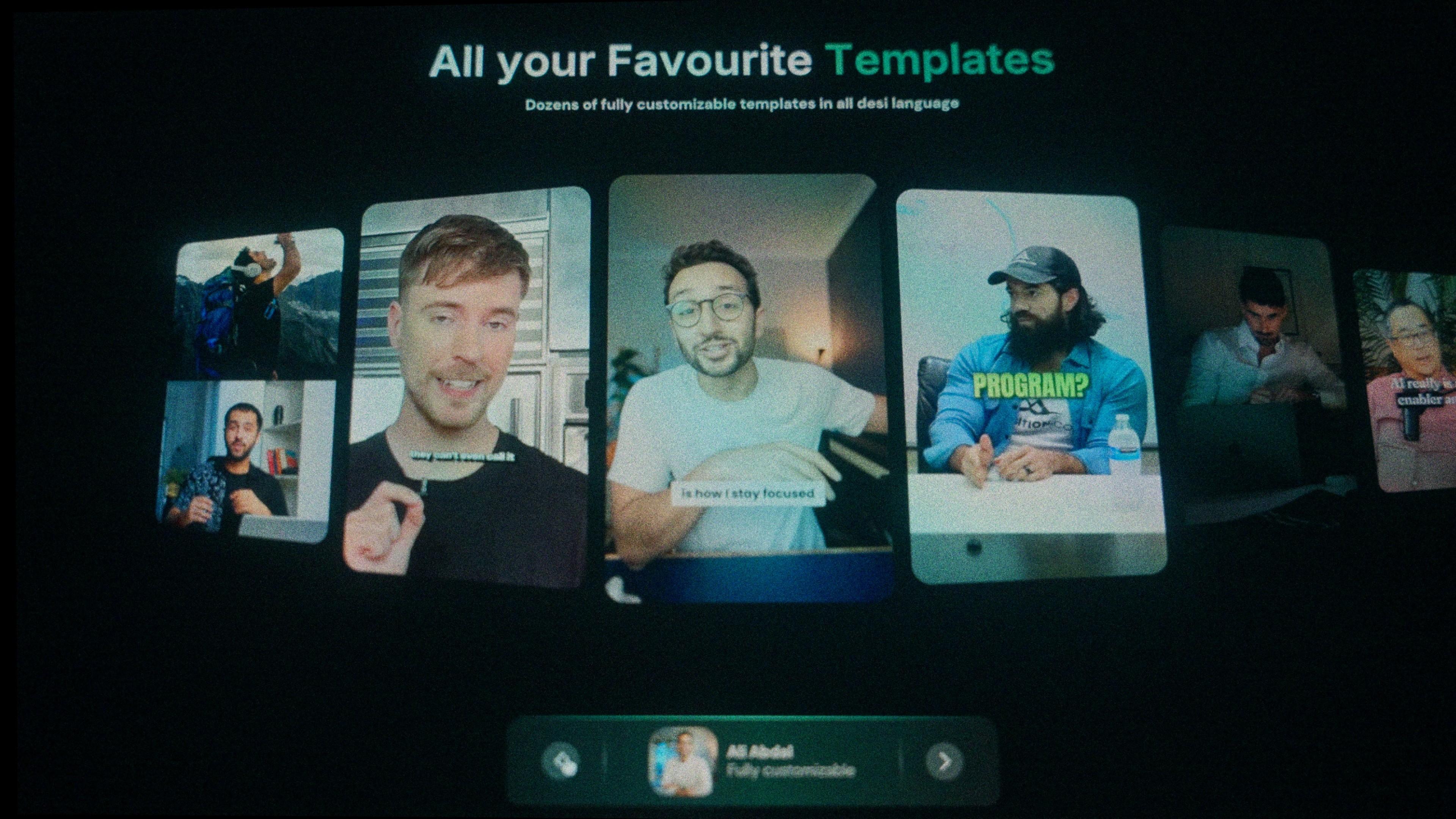
Pick the MrBeast template. Instead of building the bold text, outline, and pop-in animation by hand, choose the ready-made Beast style. It’s already set up the way the real thing looks.
-
Check the word splits. Make sure each screen shows 2–3 words, and nothing’s cut mid-word. A good desi-first tool handles this automatically, but always glance through.
-
Colour your keywords, the number, the punchline, the name. This is the small touch that makes it feel “designed” instead of generic.
-
Export. Burn the captions into the video for social, or export an SRT file if you want to bring them back into Premiere Pro or DaVinci Resolve.
That’s it. The template handles the styling; the language model ensures accuracy; you just approve and post.
Doing it in CapCut or an English-first tool instead
You can technically do this in CapCut, Submagic, or VEED. The catch is the same every time: they’ll happily give you the MrBeast template, but the auto-transcription in Urdu, Punjabi, or Sindhi is shaky, and the script rendering is hit-or-miss. You’ll get the look but spend twenty minutes fixing words. For an English video that’s fine. For a desi video, it’s the reason your captions look “off” even when the style is right.
If you only post in English occasionally, any tool works. If your main audience speaks Hindi, Urdu, or another regional language, a desi-first tool saves you the cleanup every single time.
Frequently asked questions
Can I get MrBeast-style captions in Urdu specifically?
Yes. You need a tool that renders Urdu right-to-left with correct letter joining and transcribes Urdu audio accurately. Then you apply a bold, high-contrast caption template with 2–3 words per screen. Tools built for desi languages, like Kalakar, do both in one step.
What font does MrBeast use?
The classic MrBeast font is called Komika, a bold, comic-style display font. For desi languages, you’ll want a bold font that supports your script properly, since Komika only covers Latin letters.
Is there a free way to try this?
Most desi-first caption tools, including Kalakar, offer free testing so you can caption a short clip before paying. That’s the fastest way to check whether the transcription actually gets your language right.
Can I edit the captions back in Premiere Pro or DaVinci Resolve?
Yes, if your tool exports an SRT file or an alpha-channel render. That lets you bring styled captions into your own editing software instead of being locked to a web editor.
Does this work for Hindi-English mixed speech?
It should, that’s normal desi speech. But English-first tools often stumble on the switch. A model trained on desi languages handles the code-switching far better.
The bottom line
The MrBeast caption style is simple to copy. What’s hard is making it work in a language the tool doesn’t understand. If you create in Hindi, Urdu, Punjabi, or any desi language, start with a tool that reads your language correctly, then the bold, punchy look takes care of itself.
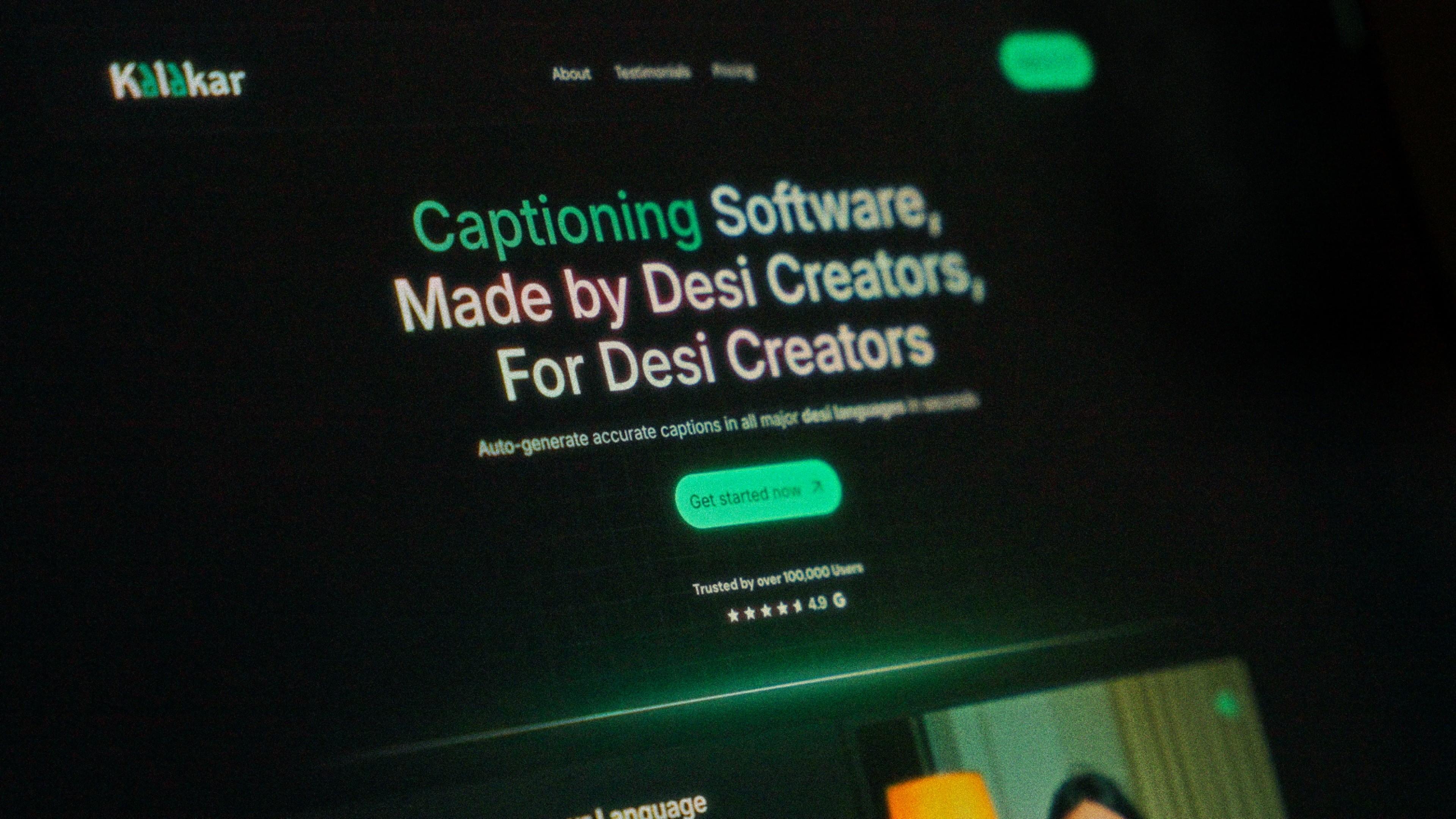
Kalakar is a captioning tool built by desi creators, for desi creators, with ready-made creator templates and support for every major desi language. Try it here.